# 图片宽度
2 min read
Table of Contents
如何计算元素/图片的宽度,以及一些特殊的图片处理及计算。
getBoundingClientRect
Element.getBoundingClientRect() 返回一个 DOMRect 对象,并提供了该元素的大小信息以及相对 viewport 的相对位置。
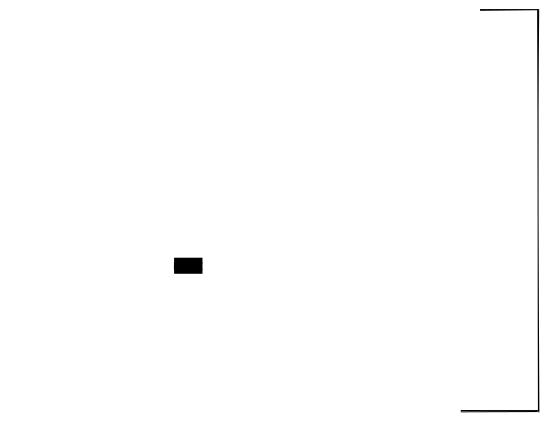
- left/x: 元素左侧与视口左侧的距离
- top/y: 元素顶部与视口顶部的距离
- right: 元素右侧与视口左侧的距离
- bottom: 元素底部与视口顶部的距离
- width: 元素的宽度
- height: 元素的高度
来自 MDN 一个简单的 DOMRect 示例:
<style> .rect { width: 220px; height: 120px; background: #1ba784; margin: 0 auto; }</style><div class="rect"></div>let elem = document.querySelector('.rect')let rect = elem.getBoundingClientRect()for (const key in rect) { if (typeof rect[key] !== 'function') { let para = document.createElement('p') para.textContent = `${key} : ${rect[key]}` document.body.appendChild(para) }}图片宽度
当直接查询一个图片的大小信息,会得到 width: 0; height: 0,我们请求上图中的信息。
<div style="text-align: center"> <img src="/images/rect-box.svg" alt="" class="rect-img" /></div>const box = document.querySelector('.rect-img')const rect = box.getBoundingClientRect()console.log(rect) // width: 0; height: 0;当执行 getBoundingClientRect 时,图片还未加载。所以需要在图片 onload 之后进行计算宽高。
box.onload = function () { const rect = box.getBoundingClientRect() console.log(rect) // width: 548; height: 421;}